
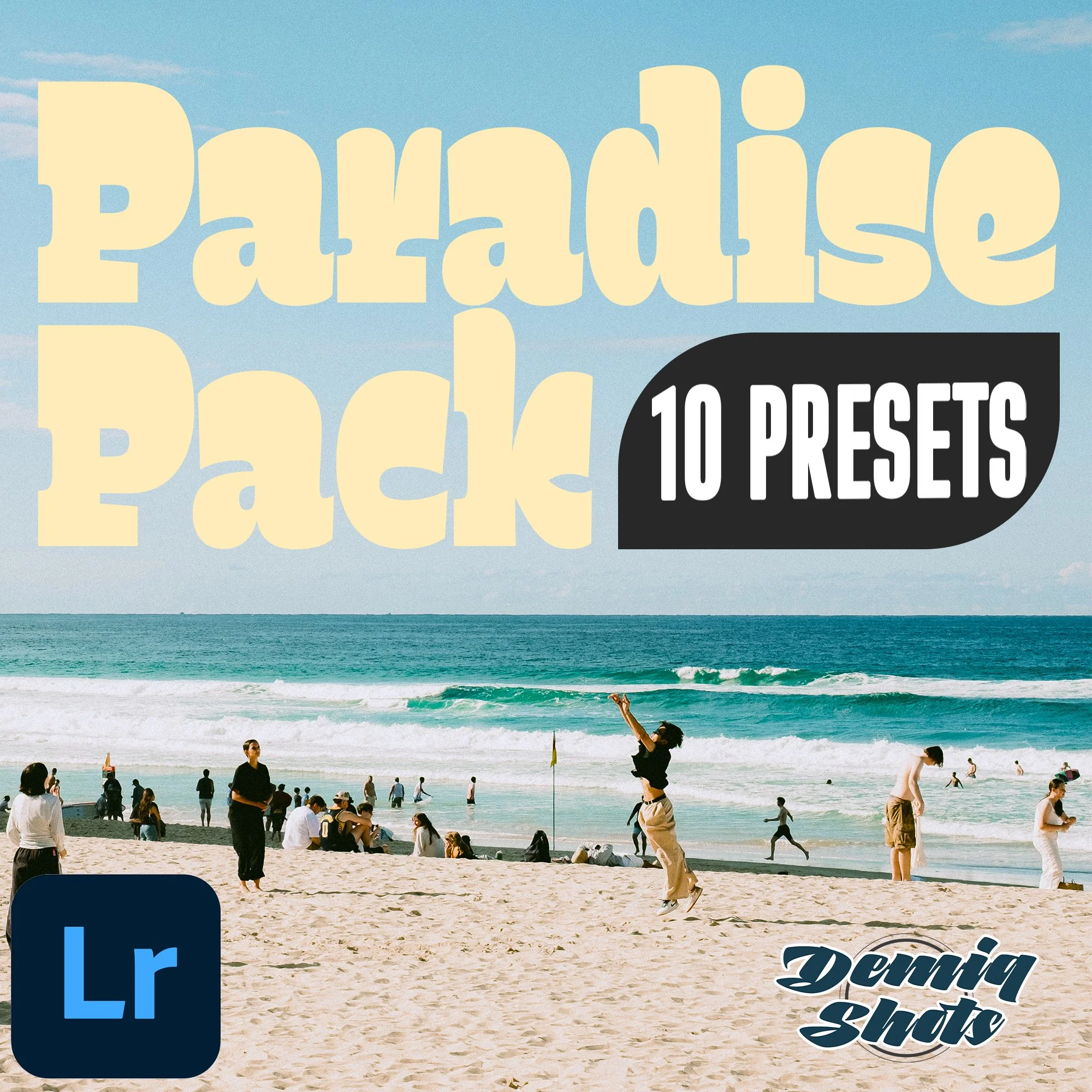

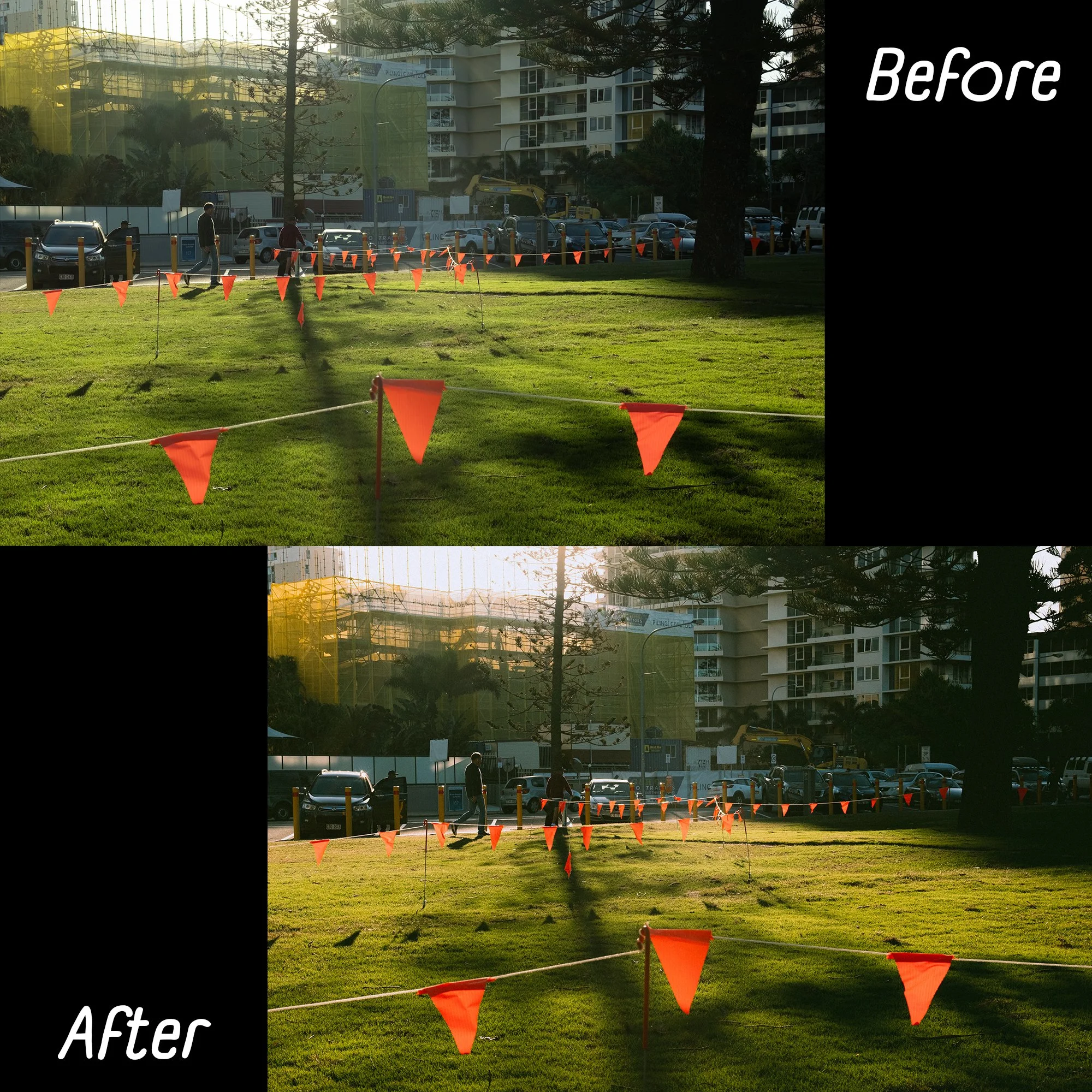
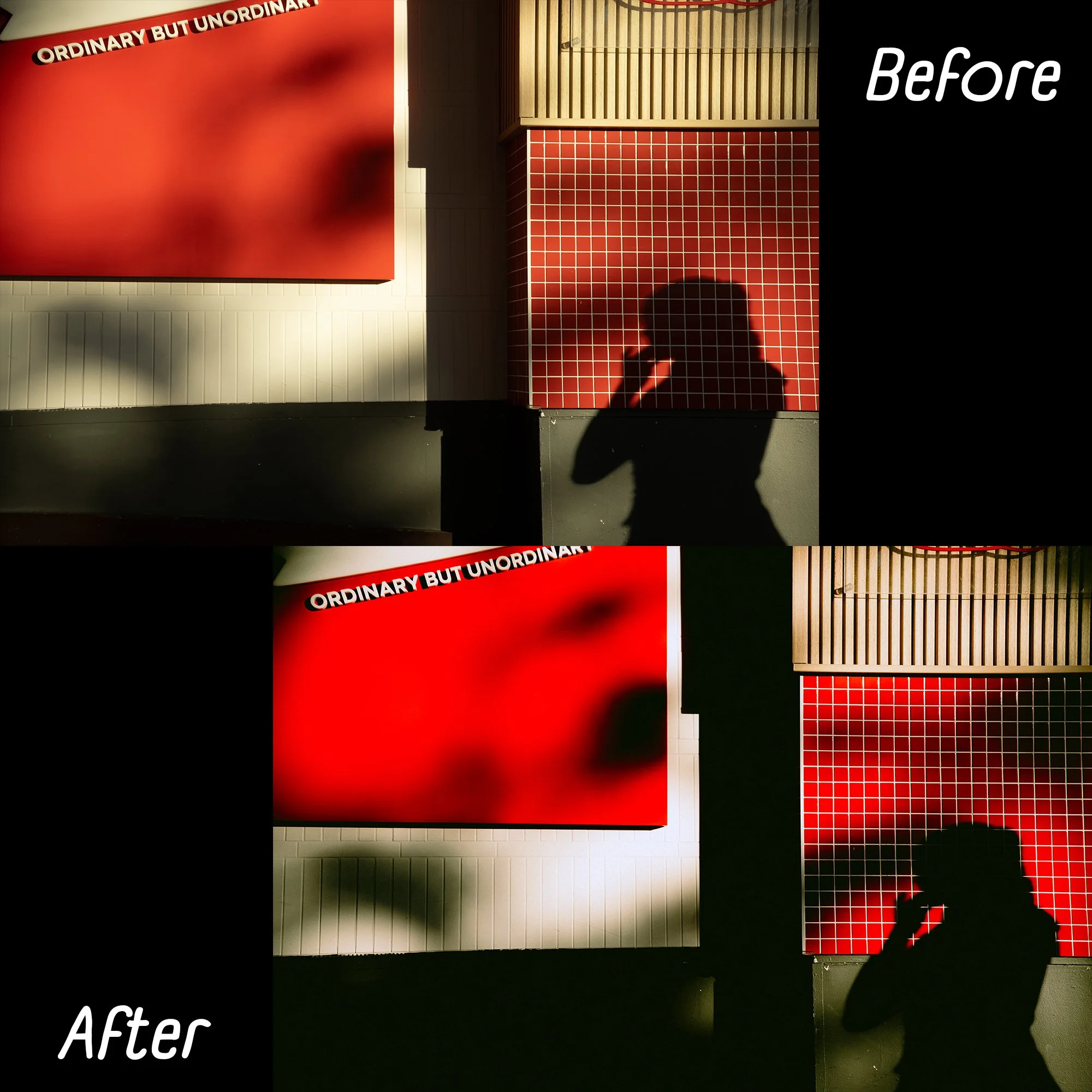
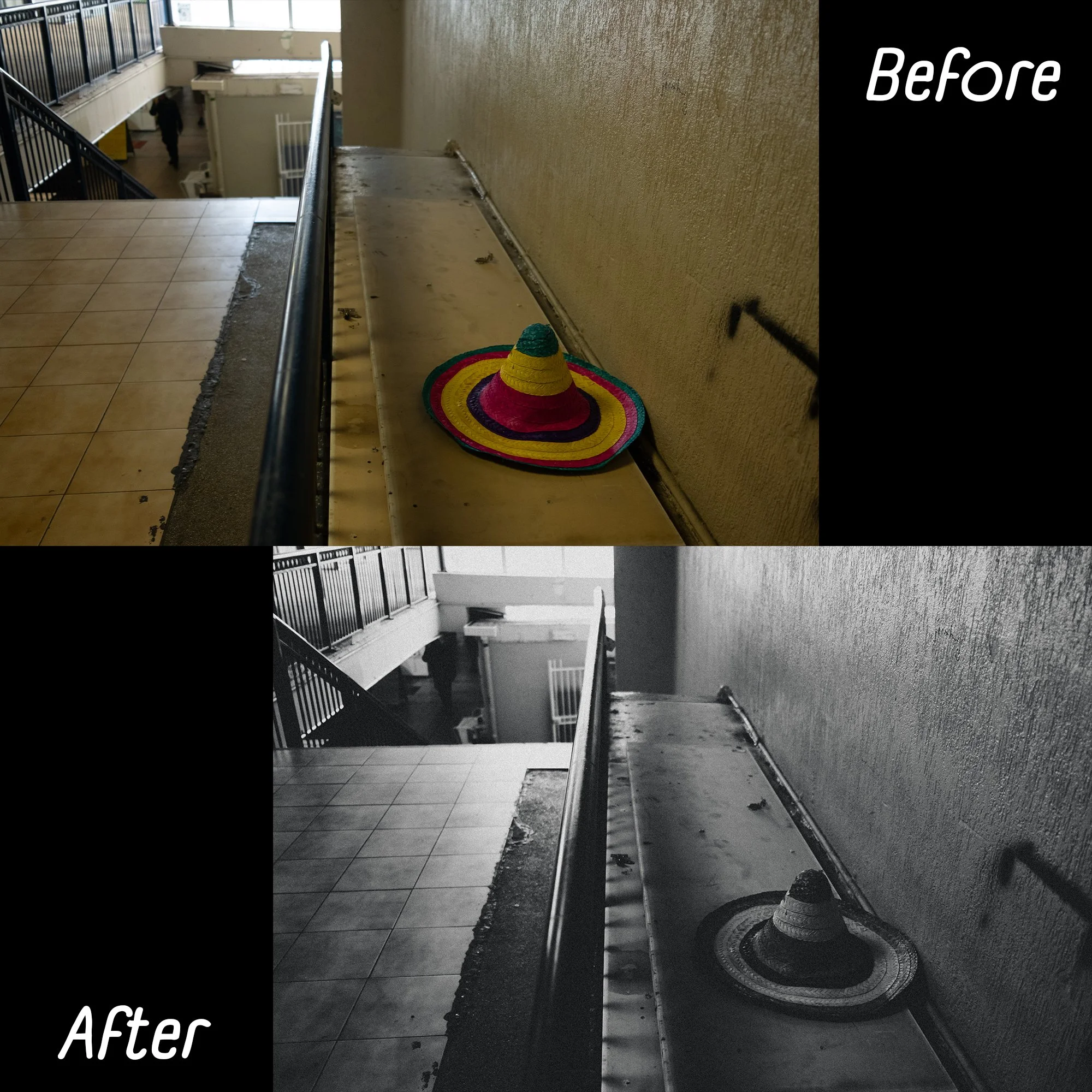
Enhance your photos with these 10 presets!
For Lightroom CC, Lightroom Classic and Lightroom Mobile.
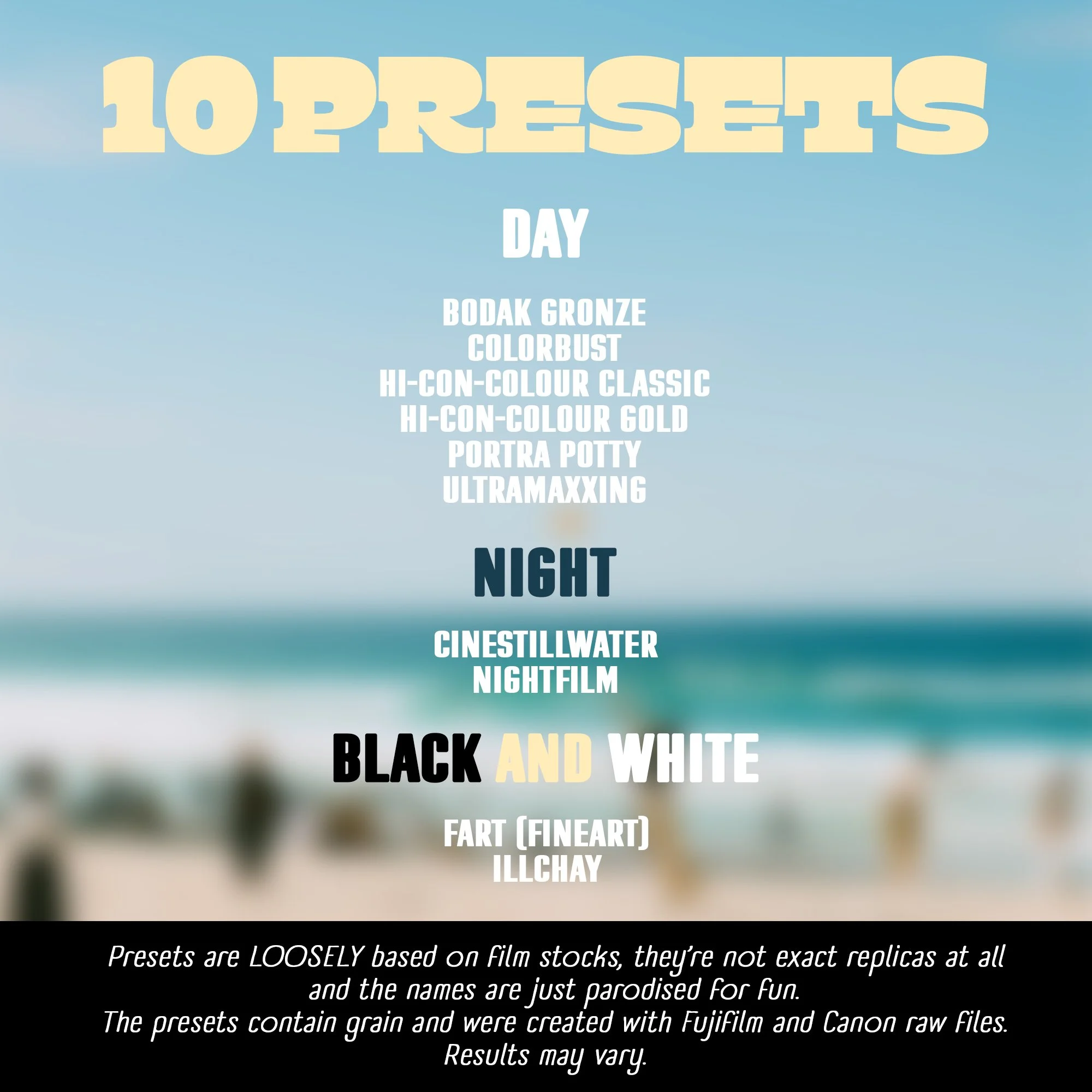
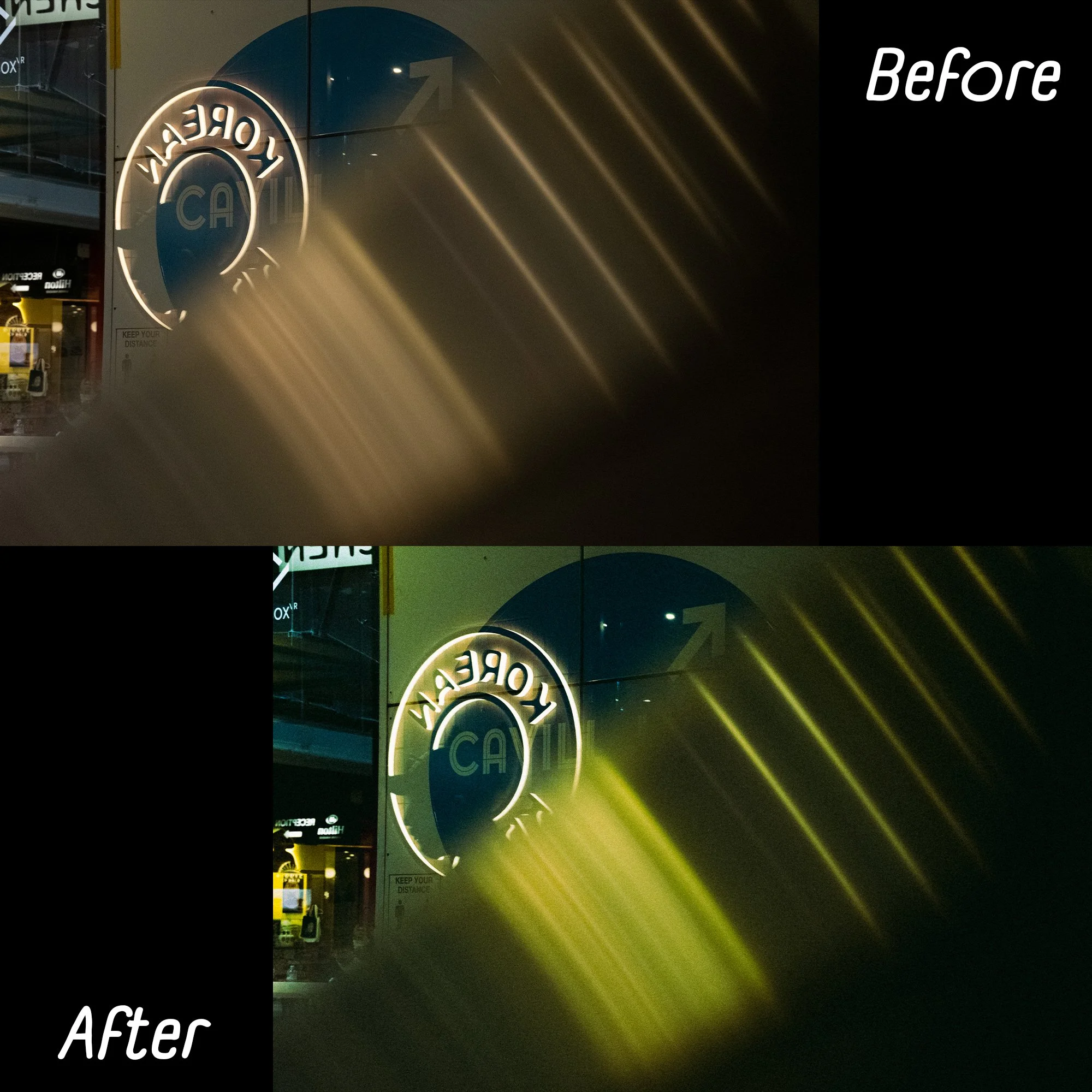
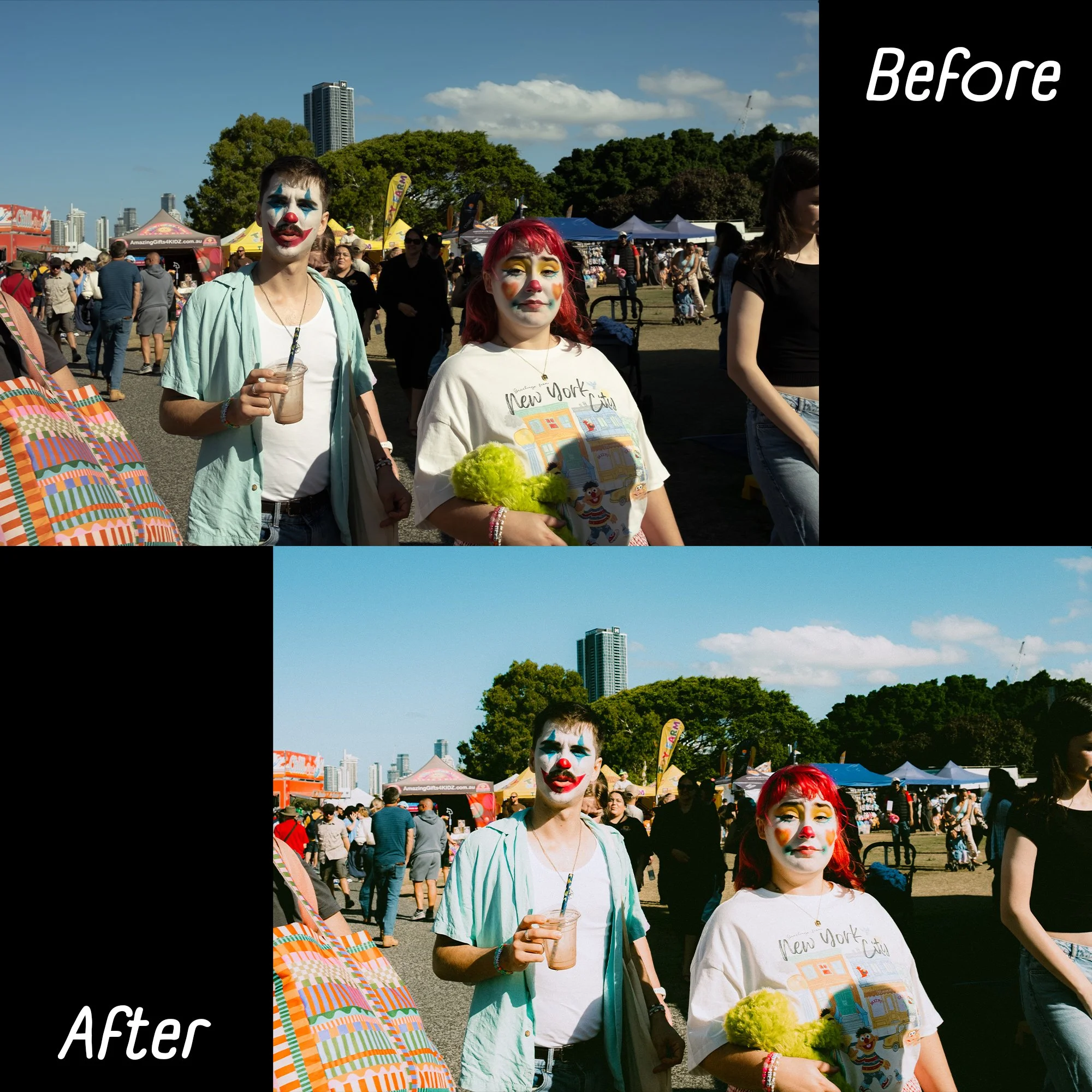
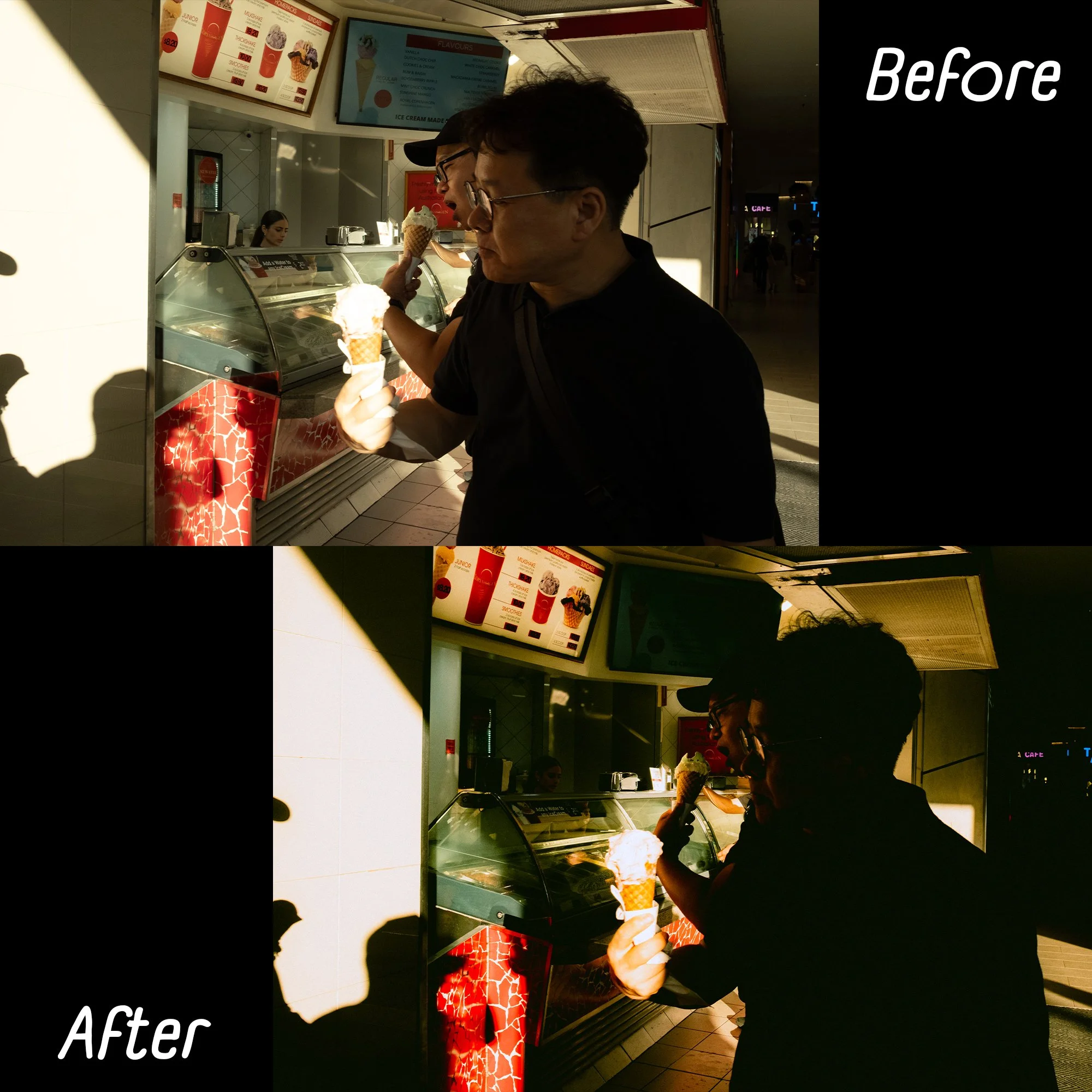
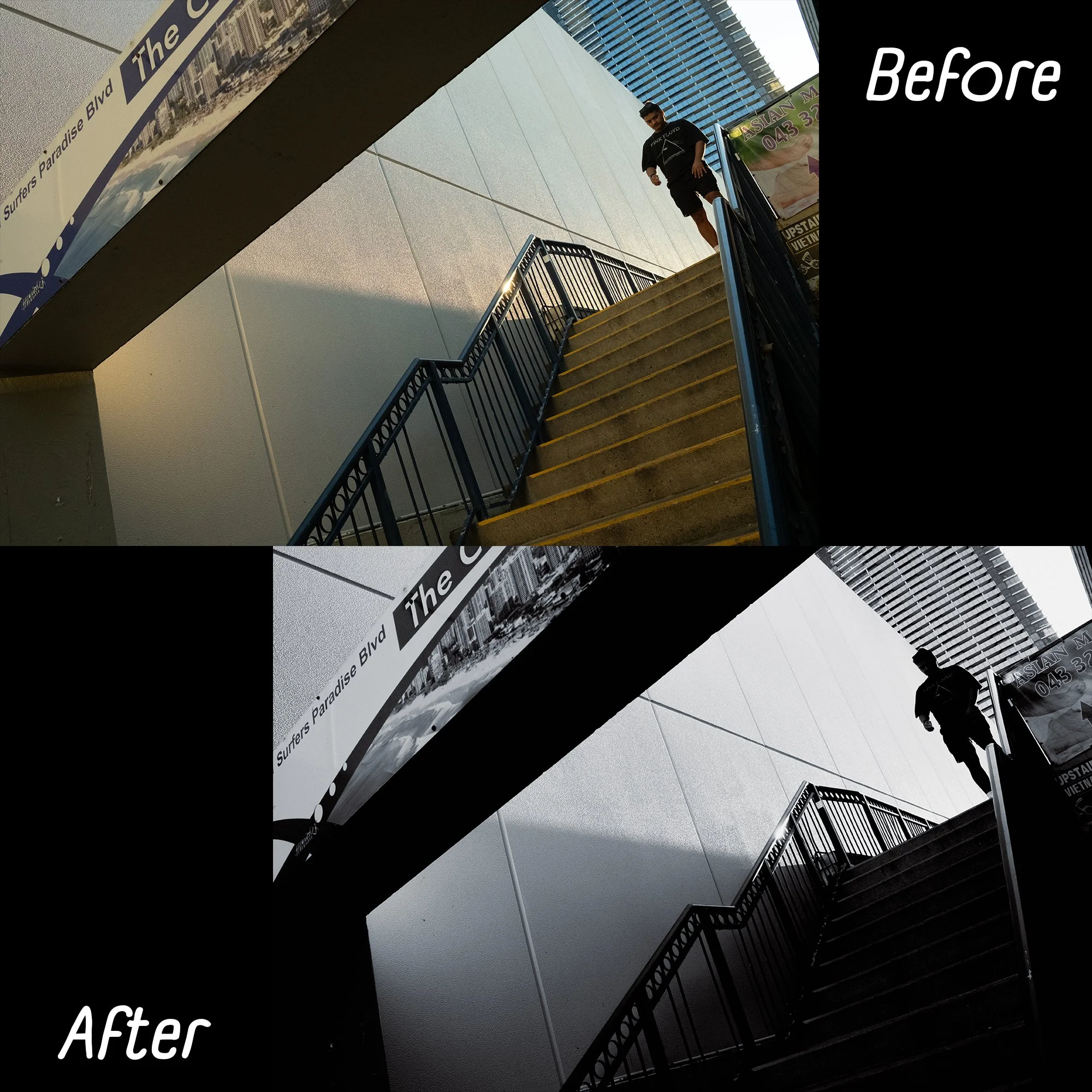
The Paradise Pack has 10 presets that are very loosely based on film stocks, however the names are just parodied and they don’t particularly resemble them. Do note that these presets do contain grain but remember you can remove the grain if you desire. These presets work the best on Fujifilm files and in most cases, Canon files. Your results may vary.
Paradise Pack Presets are:
Bodak Gronze
Cinestillwater (Night)
ColorBust
FART (Fine Art) (B&W)
Hi-Con-Colour Classic
Hi-Con-Colour Gold
Illchay (B&W)
NightFilm (Night)
Portra Potty
Ultramaxxing
Importing Presets
To add presets on the desktop versions, go to the presets section, click “Import Preset” and find the “Desktop Presets” folder from this download.
For LR mobile, add the photos from the “Mobile DNGs” folder and follow instructions on the images you just imported!
Enhance your photos with these 10 presets!
For Lightroom CC, Lightroom Classic and Lightroom Mobile.
The Paradise Pack has 10 presets that are very loosely based on film stocks, however the names are just parodied and they don’t particularly resemble them. Do note that these presets do contain grain but remember you can remove the grain if you desire. These presets work the best on Fujifilm files and in most cases, Canon files. Your results may vary.
Paradise Pack Presets are:
Bodak Gronze
Cinestillwater (Night)
ColorBust
FART (Fine Art) (B&W)
Hi-Con-Colour Classic
Hi-Con-Colour Gold
Illchay (B&W)
NightFilm (Night)
Portra Potty
Ultramaxxing
Importing Presets
To add presets on the desktop versions, go to the presets section, click “Import Preset” and find the “Desktop Presets” folder from this download.
For LR mobile, add the photos from the “Mobile DNGs” folder and follow instructions on the images you just imported!